
How Automation Enhances (Not Replaces) Your Workforce
SLAM

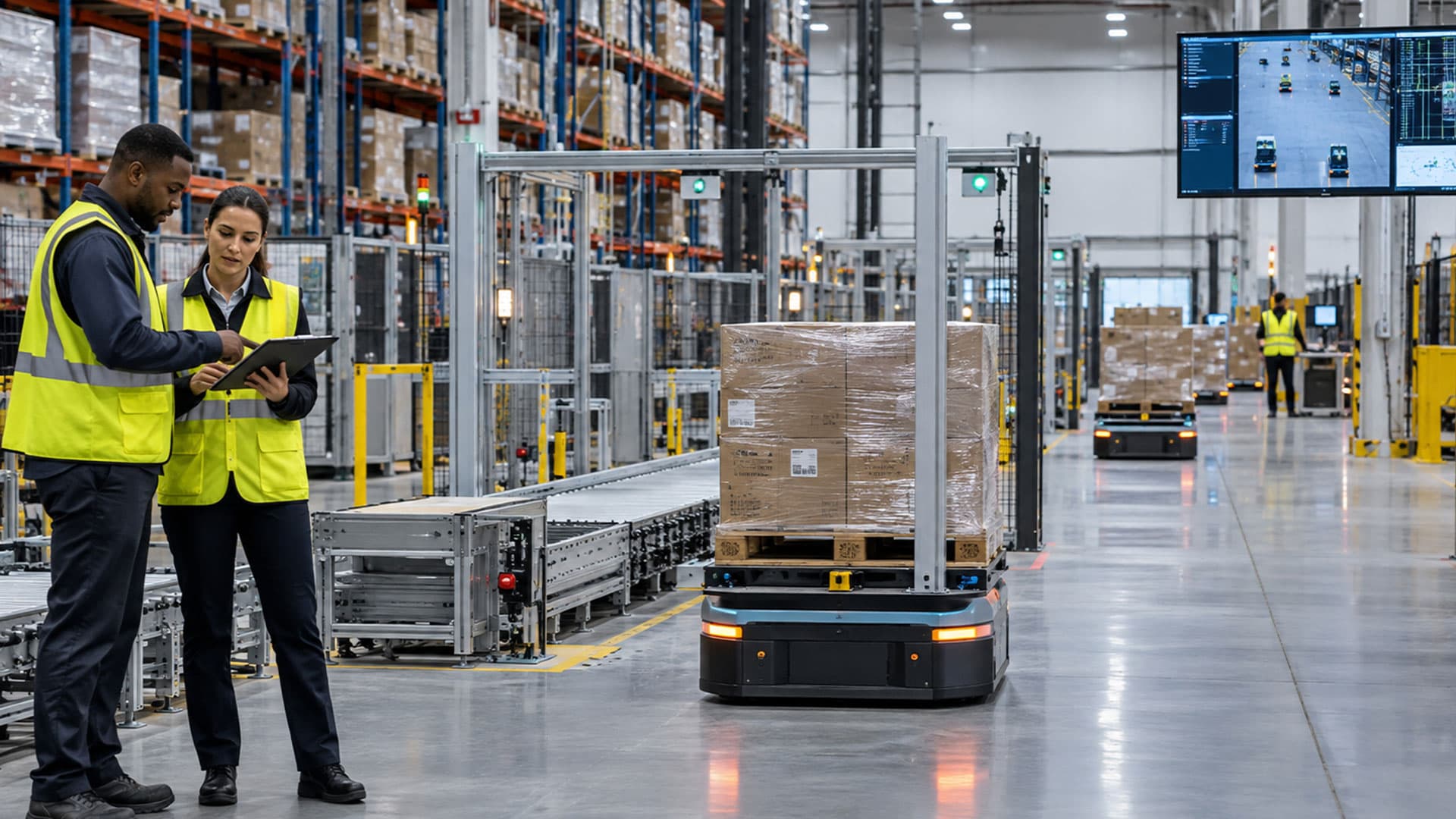
Automation as a People Multiplier
For warehouse employees, the arrival of automation can create understandable uncertainty about their ability to succeed in a changing role—and whether their jobs will remain secure. However, when thoughtfully implemented, technology can make their work safer, easier and less physically demanding while creating opportunities for greater productivity, skill development and more rewarding responsibilities.
The most effective automation strategies are designed to extend what employees can accomplish. By assigning repetitive, physically demanding and highly standardized tasks to technology, companies can increase capacity while allowing employees to focus on higher-value work such as system oversight, exception handling and problem-solving.
Improving Work and Building New Skills Through SLAM Automation
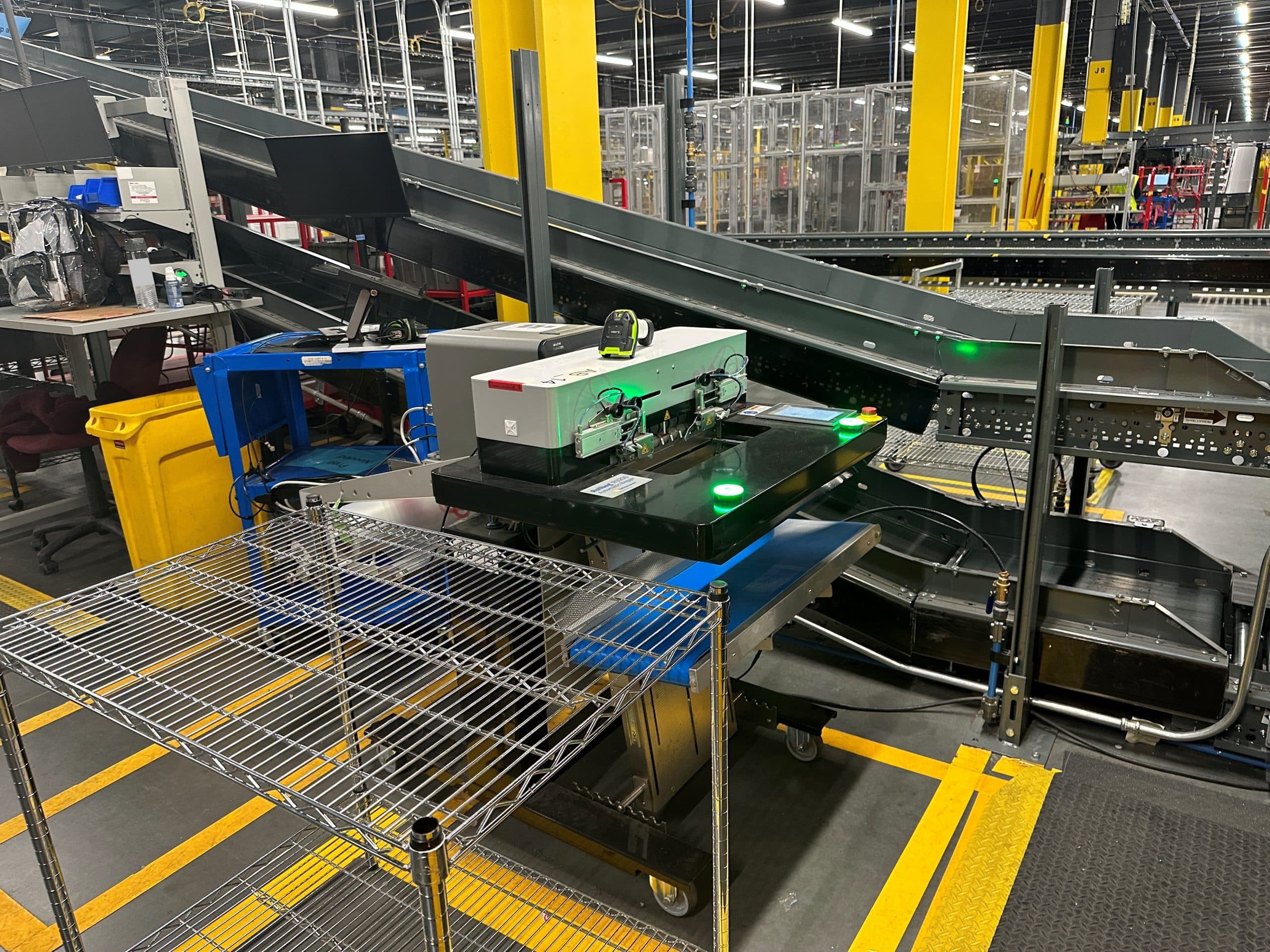
Scanning, labeling, applying and manifesting (SLAM) are essential fulfillment steps that, when performed manually, can require employees to repeatedly handle packages, apply and verify labels, sort parcels and move between work areas.
SLAM automation brings these activities together into a more consistent end-of-line process. Automated systems handle and minimize repetitive execution, while employees provide the judgment and intervention needed to monitor performance, replenish materials, manage exceptions and address issues requiring human decision-making.
When designed around the operator, automation can also reduce unnecessary walking, lifting, reaching and repeated touches, resulting in less fatigue and a lower risk of injury or burnout. At the same time, it creates opportunities for employees to develop new skills. Team members may progress from manual packing into machine operation, system monitoring, troubleshooting, preventive maintenance or process-improvement roles.
These expanded capabilities can create pathways for professional growth while making employees more valuable to the organization. They may also improve job satisfaction and retention by demonstrating that automation is a tool for supporting employees and extending what they can accomplish.
Automation Is Not Automatic
Even sophisticated systems require operator oversight, routine care and human intervention when exceptions occur. Equipment must be monitored, materials replenished and unexpected conditions assessed by employees who can determine the appropriate response. Automation can also streamline changeovers, but operators are still needed to adjust settings, replenish or replace materials and verify that the system is ready to resume production.
Consequently, preparing the workforce is just as important as preparing the facility. Companies achieve the greatest value from automation when employees understand the process, feel confident operating the system and take ownership of its performance.
Designing and Implementing Automation for People
Technology only delivers value when employees can use it confidently and consistently. Automated equipment must be intuitive, reliable and aligned with the realities of the operation. Controls should be easy to understand, materials and maintenance components should be accessible, and system alerts should provide clear directions.
Successful implementation also begins with communication. The customer and automation provider must share an understanding of the operational need, the desired outcome and what the solution is expected to deliver. Employees should understand why automation is being introduced and how their responsibilities may evolve.
Involving operators in the process can improve both the solution and employee adoption. The people performing the work every day can identify bottlenecks, unnecessary movement, ergonomic concerns and common exceptions that may not be visible on a process map.
Training then turns the technology into a workforce capability. A train-the-trainer approach can develop trusted internal resources, while assigning specific employees as owners of the process and equipment establishes accountability after go-live. Training should continue beyond installation so employees can reinforce procedures, manage exceptions, perform appropriate troubleshooting and understand when an issue should be escalated.
Choosing a Long-Term Partner
An automation investment is more than an equipment purchase. It is also the beginning of a long-term relationship with the provider responsible for helping the operation succeed.
That relationship should begin with understanding what the customer needs today, what it hopes to accomplish and how its requirements may change. The provider can then help establish expectations, develop the right solution, coordinate implementation and prepare employees for go-live.
Support should continue after installation through field service, preventive maintenance, technical assistance and ongoing training. A smooth launch, dependable equipment and access to knowledgeable support reduce frustration and help employees build confidence in the new process.
Partnership also means providing an appropriate level of automation rather than more technology than the operation currently needs. Scalable SLAM solutions can address immediate challenges while creating a foundation that expands as volumes, processes and workforce requirements evolve.
Technology may enable greater speed, consistency and capacity, but people ultimately determine whether automation succeeds. When SLAM automation is designed around the operator and supported by thoughtful implementation, training and long-term service, it becomes a true people multiplier—giving employees better tools, expanding their capabilities and helping the entire operation accomplish more.
Interested in learning more? Visit MHI’s SLAM Industry Group to explore additional resources and case studies.
Contributor: Jordan Meneghini, Tension Packaging & Automation
Reviewed by SLAM Marketing Committee
View more blogs by:
Related Content
BLOG
Processes Matter When It Comes to SLAM Design
BLOG
You’ve Looked at SLAM Technology — Now What?

BLOG
Preventing Burnout with Automation
BLOG


